Smaller files. Still on your Mac.
Dimin compresses videos, images, and GIFs by up to 90% without much visible loss of quality. Every byte is processed locally — your files never leave your computer.
90%
Smaller files — up to 90% reduction without obvious quality loss
5
Quality levels to trade size against fidelity
0
Files uploaded — everything is processed on your Mac
Your files, one size smaller
Compress video, image, and GIF files locally, in batches, on your own machine.
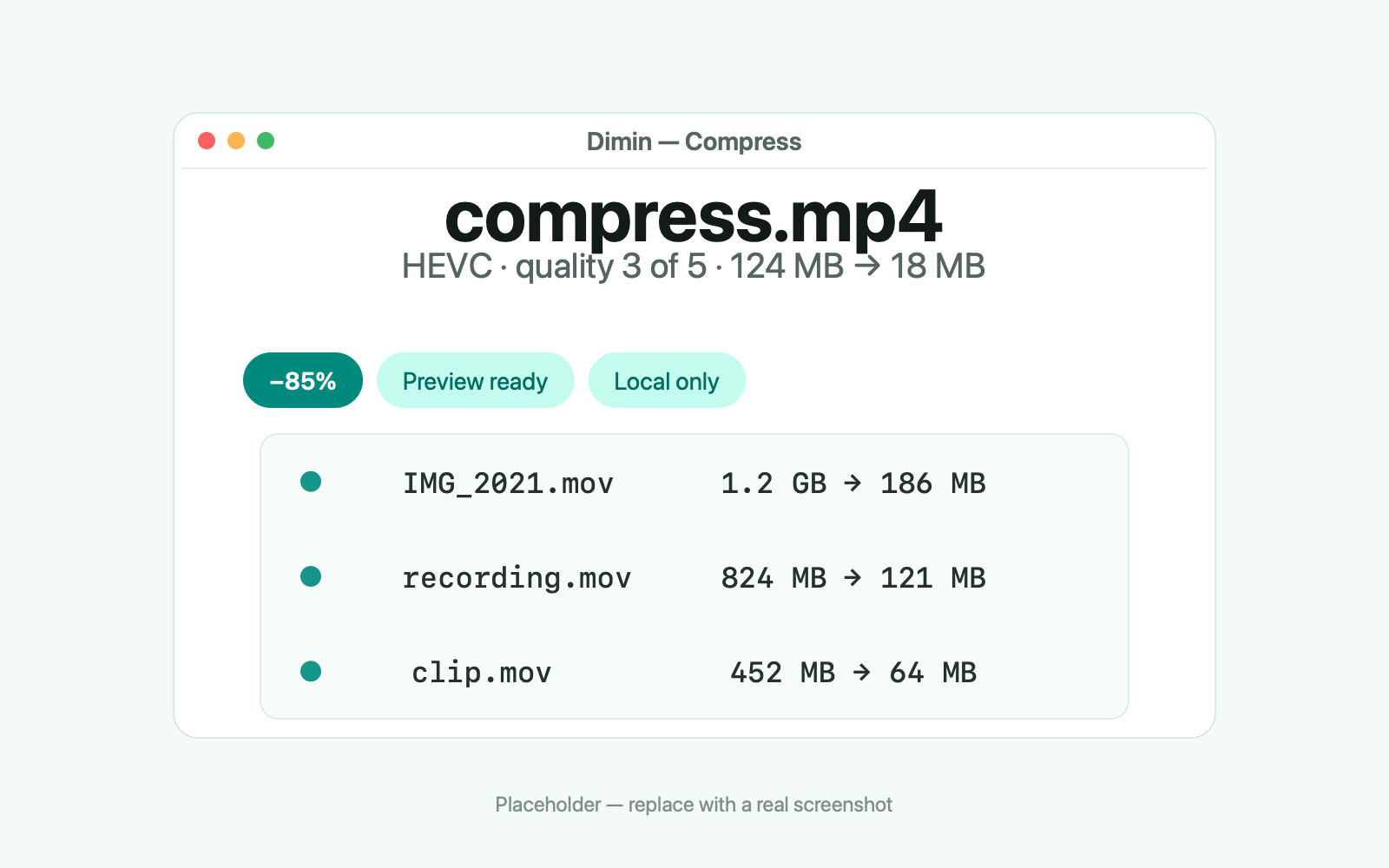
Compress
Up to 90% smaller, still looking good
Drop in a video, image, or GIF and Dimin shrinks it with FFmpeg, pngquant, and gifski. Five quality steps let you trade size against quality, and the app shows the result before you commit.
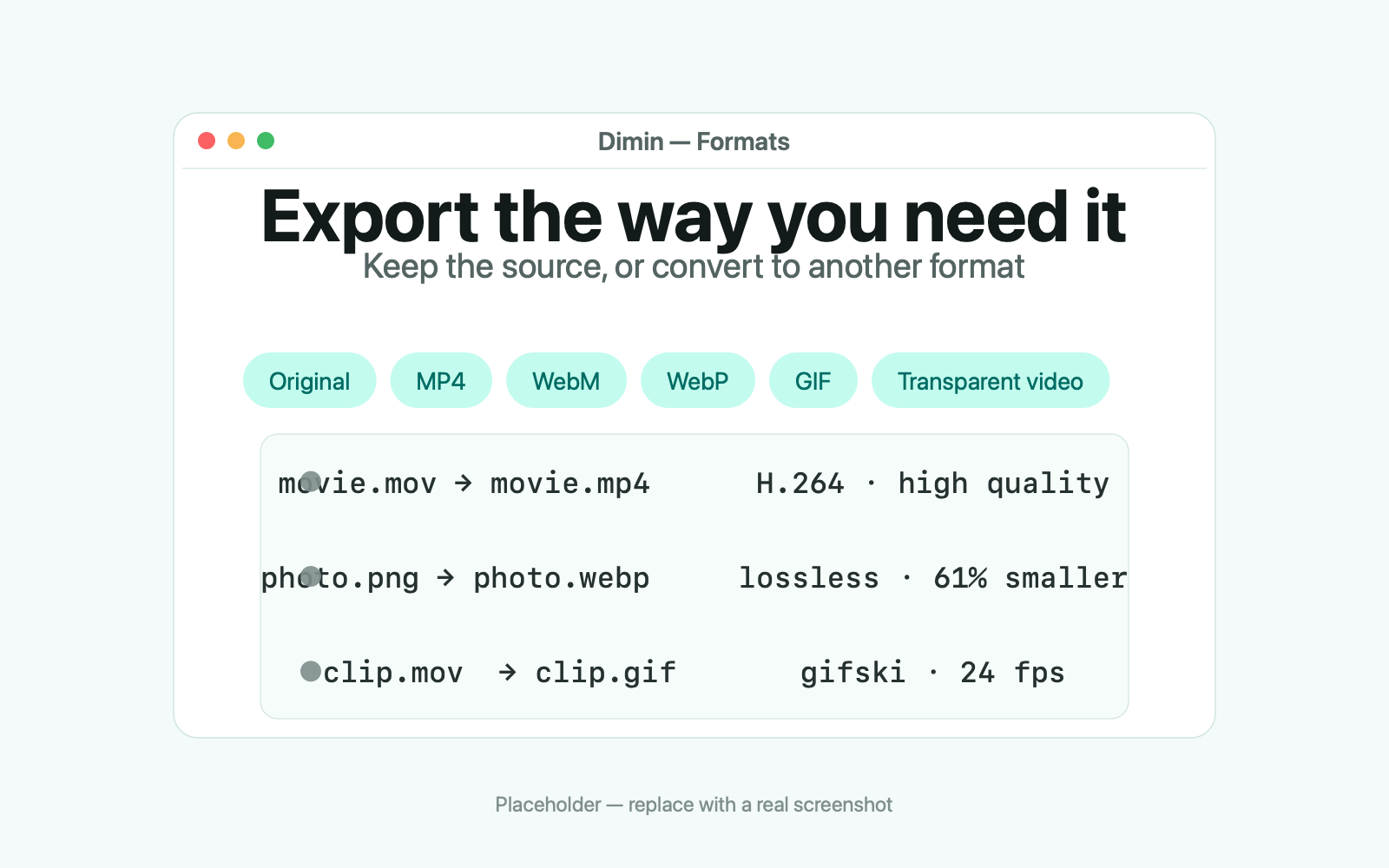
Formats
Export the way you need it
Keep the original format or export to MP4, WebM, or WebP. GIFs come from a video clip, and videos with an alpha channel compress without losing transparency.
Workflow
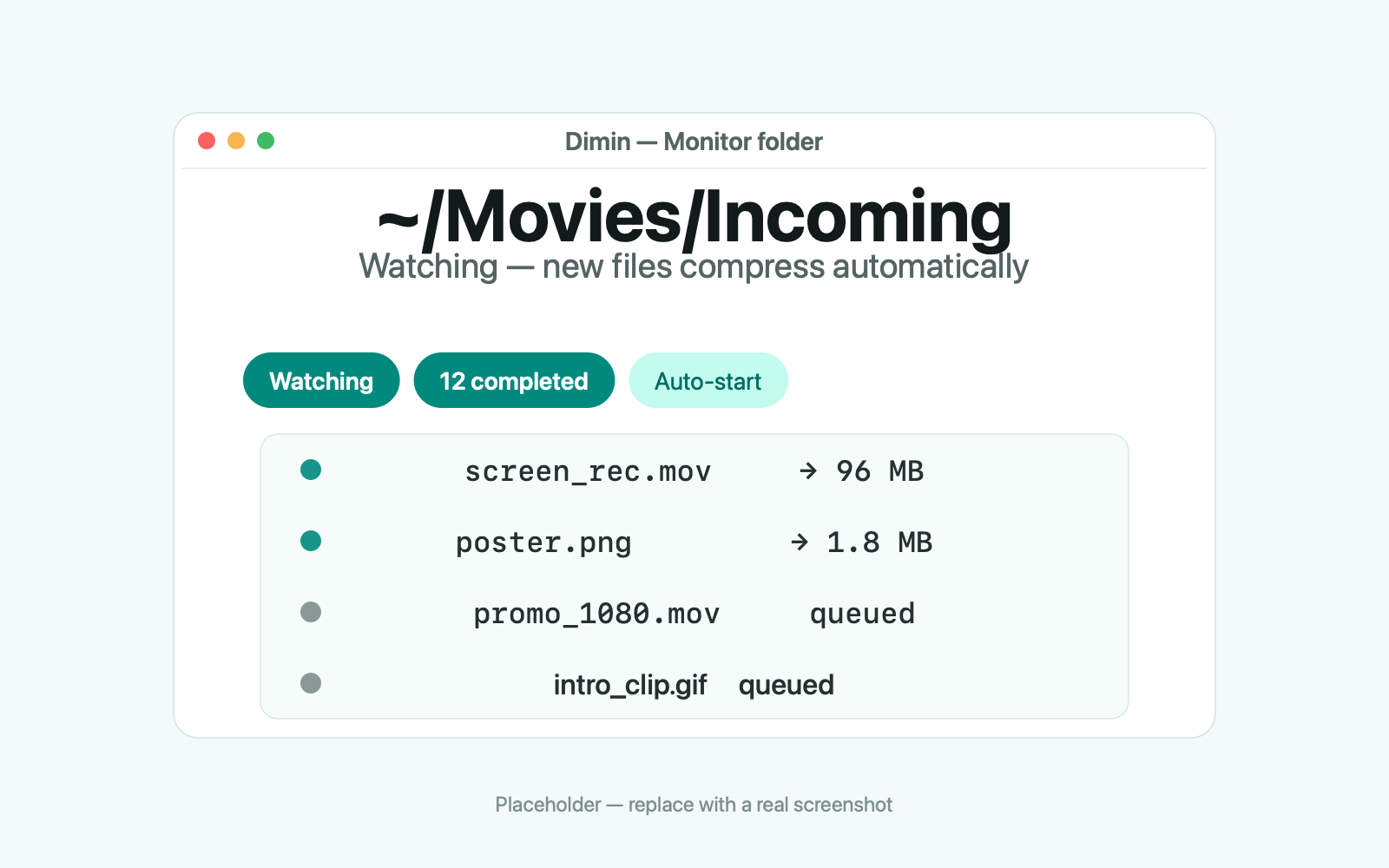
Compression that runs itself
Watch a folder and Dimin compresses every new file automatically. Or process a whole batch at once — queue it up and check back when it is done.
Under the hood
Fast, local, and open
A native macOS app that treats your files as yours.
Native
Swift for macOS
A focused, native app. No hidden browser engine and no always-on helper draining your battery.
Local
your files
Every compression runs on your Mac. Originals stay put unless you say otherwise.
100%
offline
No account, no upload, no cloud round-trip. Dimin works with the network turned off.
GPL-3.0
licensed
Built from the open-source ComprestoApp under the Dimin brand. The application code stays under the GPL-3.0.
And everything else that matters
From the drop to the smaller file on disk.
Video compression
Shrink MP4s, MOVs, and more with hardware-accelerated encoding at five quality levels.
Image compression
Smaller PNGs and JPEGs via pngquant — with a preview of what you keep.
GIF conversion
Turn a video clip into a GIF with chosen quality and frames per second, via gifski.
Monitor folders
Point Dimin at a folder and new files compress themselves as they arrive.
Batch processing
Queue many files at once and let Dimin work through the list.
No cloud
Nothing is uploaded anywhere, ever — which also means no size limits or upload queues.
Comparison
Compression that never uploads a file
Online compressors ask you to upload a file, wait, and download the result — fine for one small file, less so for a big video or a whole folder. Dimin compresses locally, in batch, with no upload, no account, and no size cap.
Dimin
Online compressors
FAQ
Frequently asked questions
Formats, quality, privacy, and what happens to your files.
What kinds of files can Dimin compress?
Video, images, and GIFs. Video and image encoding is powered by FFmpeg and pngquant, and GIF conversion uses gifski. You can keep the original format or export to MP4, WebM, or WebP, and videos with an alpha channel compress without losing transparency.
Does Dimin upload my files anywhere?
No. All compression runs locally on your Mac — Dimin has no servers and makes no network calls to process files. It works with the network turned off, and there are no upload size limits because nothing is uploaded.
How much does Dimin cost?
Free to download. The first ten files compress free; after that Dimin asks for a one-time license — no subscription. The application code is GPL-3.0 licensed — note that the GPL's “free” means freedom to use, study, and modify the code, not that the app is free of charge.
What are the system requirements?
macOS 13 or later on Apple Silicon and Intel (universal). The universal build is Developer ID signed, Apple-notarized, and stapled, so first launch works without special settings.
Is the “90% smaller” claim real?
It depends on the file — up to 90% is typical for compressible video and large images. Five quality levels let you trade size against fidelity, and Dimin shows the result before you commit to it.
How is Dimin related to CompressX and Compresto?
Dimin is an independent, GPL-3.0-licensed rebrand of ComprestoApp, the open-source base of CompressX, by Dinh Quang Hieu. Dimin is its own product with its own brand and is not affiliated with the original project or its author.
Is Dimin different from the original Compresto beyond the name?
The branding and product identity are Dimin's own. Feature work continues on top of the open-source base, and every change is released under the GPL-3.0 license.
Where can I report a bug or ask a question?
Open an issue on GitHub. Issues are read and answered, and release notes for every version are published there too.

Start shrinking things
Free to download; the first ten files compress free. Download the DMG, drag it to Applications, and compress your first file — the code is GPL-3.0 licensed.
No account. No uploads. macOS 13 or later.